
Visual-Inertial Dataset Preparation / Original EGO R10 guide; LaMAria research reference / Sep 30, 2026
Visual-Inertial Data Collection for SLAM and Spatial AI with EGO R10
Prepare R10 visual-inertial research sequences with synchronized camera views, 1600 × 1200 video at 30 fps, configured IMU sampling and clear recording metadata.
What belongs in an R10 visual-inertial collection?
- Keep each camera view identifiable and preserve corresponding recordings from R10’s common hardware trigger or shutter signal.
- Record 1600 × 1200 at 30 fps with the chosen image mode, plus the configured 6-axis IMU option at 100, 200 or 500 Hz.
- Describe lighting transitions and retain the original video, inertial records and collection metadata in one session package.
- Document the research team’s time association, data conversion and SLAM processing separately from the recorded sensor files.
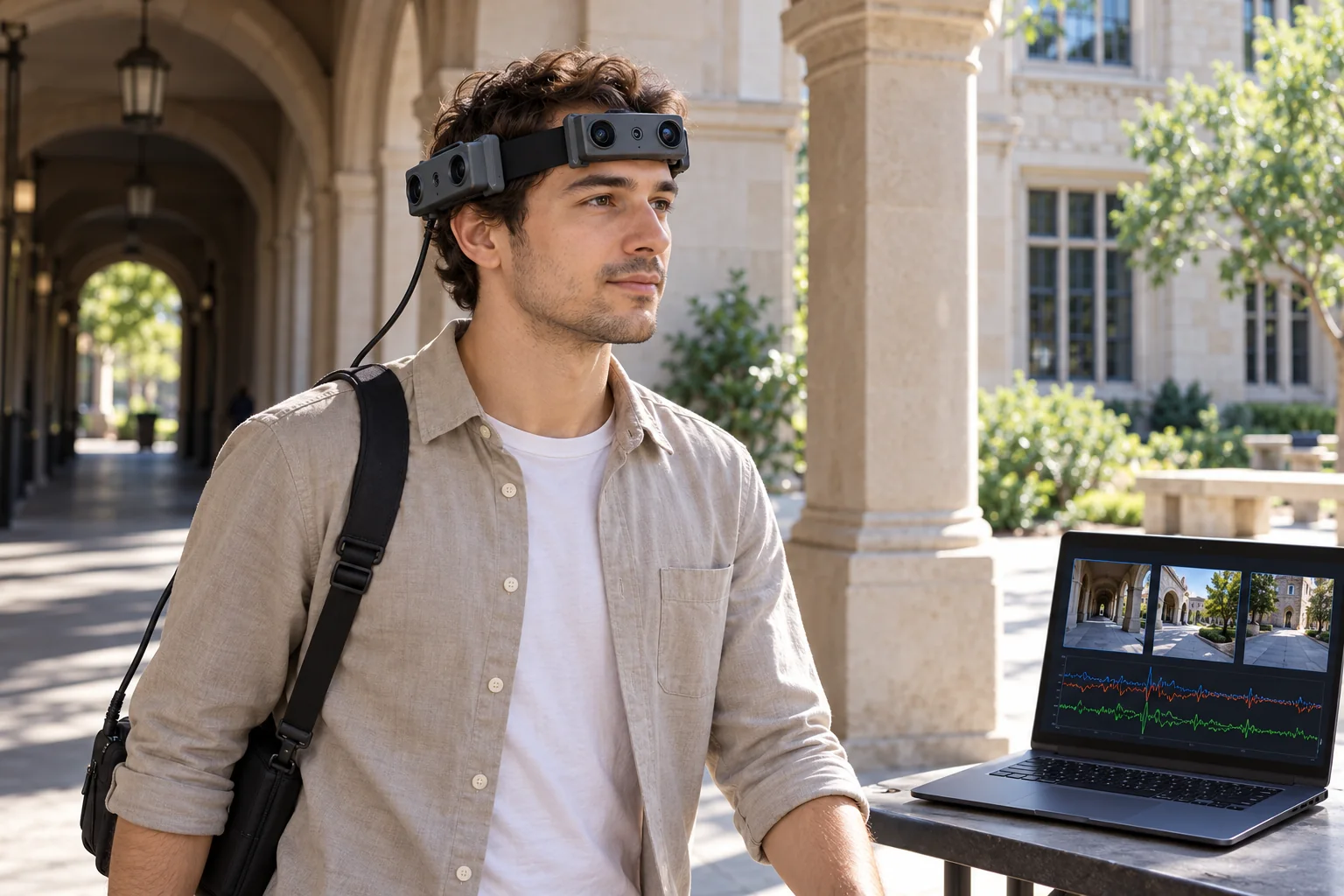
A visual-inertial collection becomes useful when a researcher can trace each input back to the camera, recording mode and moment that produced it. For a Spatial AI team preparing SLAM experiments, EGO R10 offers several documented ingredients: camera modules around a wearable headband, common camera hardware synchronization, 1600 × 1200 video at 30 fps and configurable inertial sampling. This article develops a collection-and-handover plan for a daylight sequence crossing a shaded building entrance and an open courtyard. The central deliverable is an organized sensor dataset for the team’s subsequent processing.
Use real scene transitions as the research question
LaMAria, presented at ICCV 2025 as Benchmarking Egocentric Visual-Inertial SLAM at City Scale, examines wearable visual-inertial recordings with changing viewpoints, illumination and scene content. Its research highlights why a collection should describe the conditions encountered along a sequence. For the proposed R10 project, narrow that idea to the transition between shade and daylight: identify the entrance, covered section and courtyard as named segments. The research supplies this collection context; R10’s manufacturer tables define the hardware values used here.
Create a session record before collecting frames
Give the R10 run a session identifier and attach a simple segment list to it. Record the wearer, selected unit, camera-view identifiers, recording start and end, image settings and configured IMU rate. Add a short description of the entrance and courtyard so the dataset recipient understands what the cameras were observing. Keep this record beside the original files. When a researcher later extracts the passage through the doorway, the excerpt should still point to its source file and the selected frame interval.
Retain the camera views as a corresponding set
R10 specifies that all cameras synchronize to a common hardware trigger or shutter signal. Use that documented relationship when organizing the saved views: keep each view’s identity and its association with the other camera recordings throughout decoding and clip extraction. Around a building entrance, different modules may record the doorway, adjacent columns or the courtyard boundary. Inspect the actual images and write those observations into the view record. This gives the processing team a concrete basis for selecting the views relevant to a particular segment.
Keep the inertial configuration explicit
The R10 system table lists a 6-axis IMU in head and wrist units where required, with 100, 200 and 500 Hz sampling options. For this head-worn sequence, specify the head-unit IMU configuration and retain its samples with the session. Preserve the original time information supplied by the selected recording setup. In the research processing record, describe how software associates camera frames and inertial samples, including any time conversion or offset applied. The recorded sensor files and the team’s association procedure should both remain available when an experiment is repeated.
Describe the shade-to-daylight interval
R10 lists a dynamic range of 61.56 dB in linear mode and 91.56 dB in HDR mode, together with automatic exposure and white-balance controls. Put the selected mode and settings in the session record. Review the entrance and courtyard frames at their original size, noting where wall texture, window borders or columns are visible. Attach the frame ranges for the lighting transition to the segment description. If the team collects another run with a different imaging mode, give it a separate configuration record.
Preserve image geometry through preparation
The camera specification is 1600 × 1200 at 30 fps, with fixed focus and a listed field of view of 180° diagonal, 115° horizontal and 80° vertical. These values belong in the collection manifest alongside the original frame dimensions. When the research team resizes or crops an image for an experiment, retain the source view, dimensions and conversion settings. R10 also lists dual-camera calibration among its functions; associate the camera pair and the calibration material used in the project with the matching recordings and processing version.
Make the saved files reproducible inputs
R10 provides USB 2.0 and lists MJPG, H.264 and H.265 output formats. Before the collection, save a short sample in the selected format and inspect the decoded beginning and end. Keep the codec and decoding settings in the handover record. R10 requires an external battery and specifies DC 5 V input with a maximum working current of 320 mA; arrange the chosen recording and power setup for the planned session and document it with the hardware configuration.
Hand over a dataset with an experiment trail
The R10 handover should contain original camera files, configured inertial records, camera identifiers, segment notes and the settings used during capture. Add the research team’s frame-extraction list and time-association procedure as separate processing records. Keep later trajectory or map outputs under an experiment identifier that points back to those inputs. This lets a Spatial AI researcher inspect the precise entrance or courtyard observations used in an analysis, then reproduce the preparation steps when testing another processing configuration.
Define the sample request around the dataset
A focused R10 evaluation request can specify the camera views, 30 fps recording, selected output format, desired 100 / 200 / 500 Hz IMU option and the files the research team intends to retain. Review one complete session package with the EGO product team before expanding the collection. The useful outcome is a documented acquisition configuration and a traceable set of visual and inertial observations for the project’s SLAM and Spatial AI research workflow.
Research reference and R10 specifications
LaMAria — Benchmarking Egocentric Visual-Inertial SLAM at City Scale