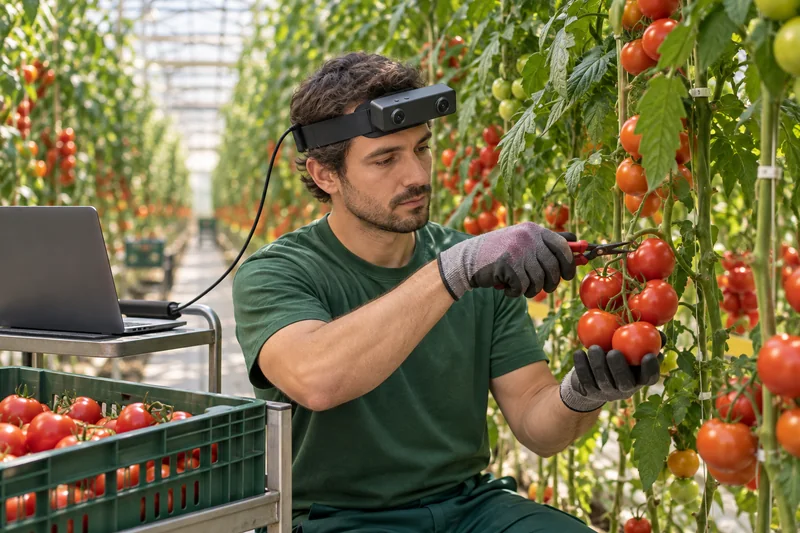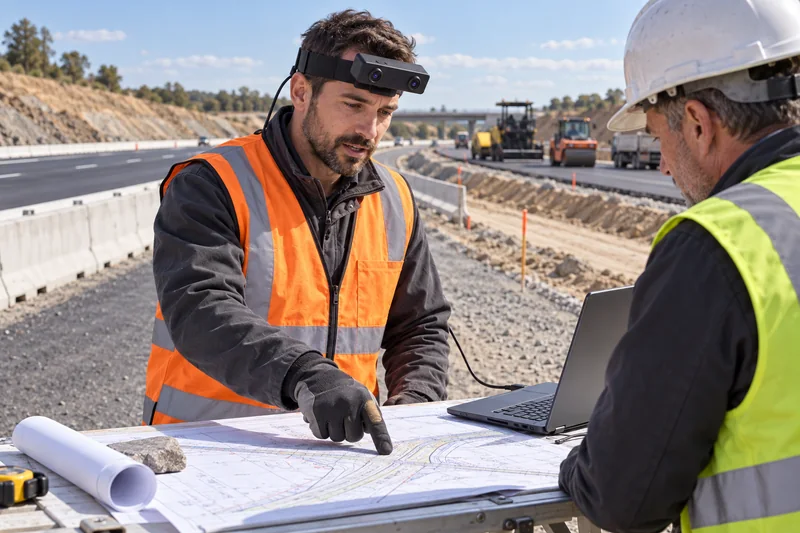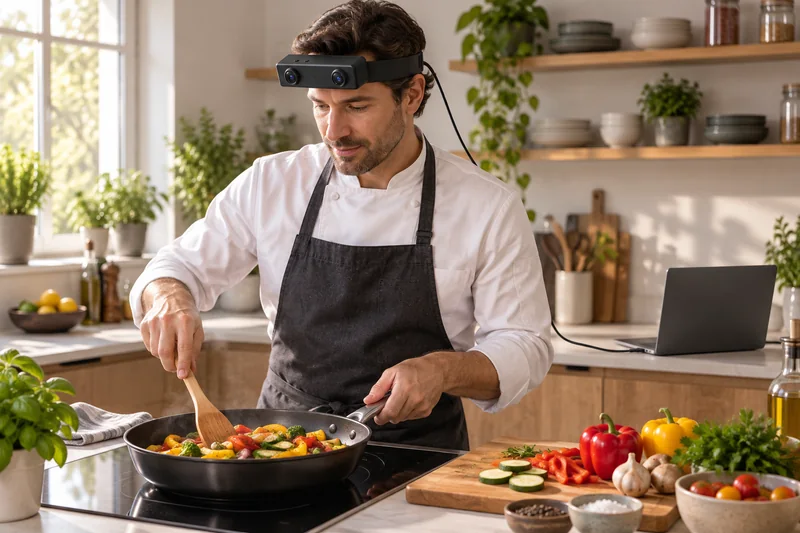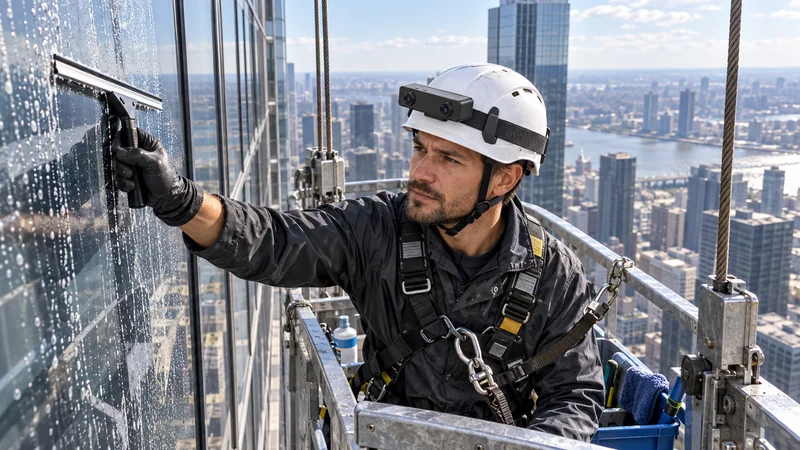
Dual global shutter
The global shutter stereo camera exposes the pixels in each sensor together, supporting geometric consistency during hand, head and body motion.
EGO R8 · USB stereo egocentric camera
Capture egocentric video for robot learning with EGO R8, a head-mounted global shutter stereo camera with hardware synchronization, a configurable 6-axis IMU, unified timestamps and USB 2.0.
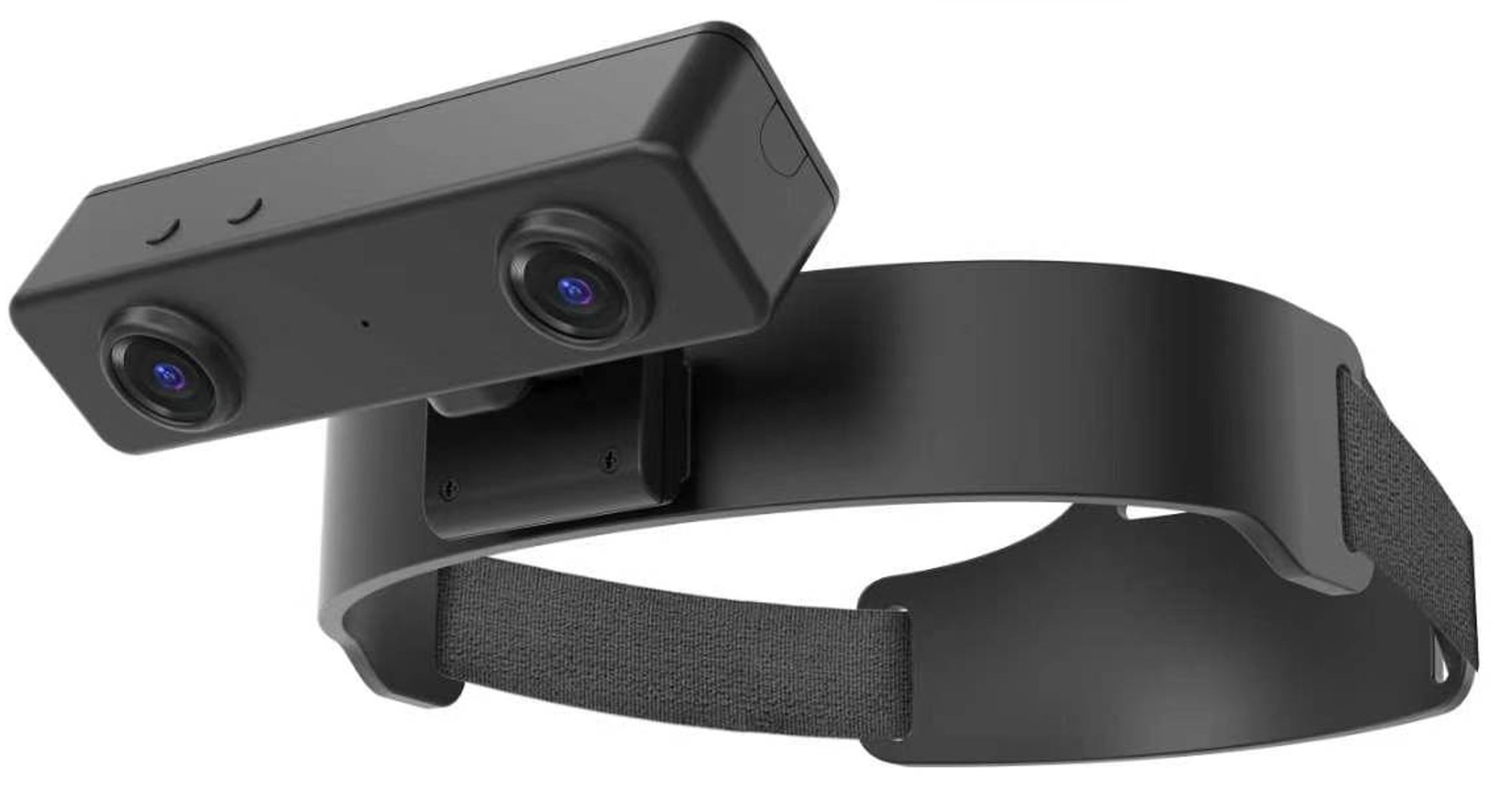
R8 product render supplied in the 2026 manufacturer specification document. Final hardware, cable, calibration, and firmware configuration must be confirmed.
R8 capture architecture
EGO R8 is a wearable camera for research into human demonstration data for robotics. For head-mounted camera data collection, retain paired images, IMU samples, timestamps and delivered calibration files. Researchers annotate the recordings and prepare an egocentric camera dataset for robot learning or SLAM/VIO research.
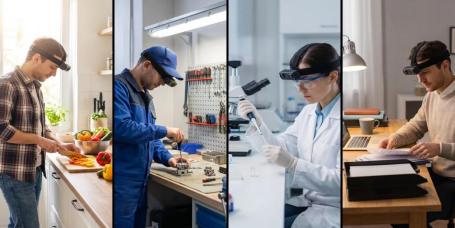
The global shutter stereo camera exposes the pixels in each sensor together, supporting geometric consistency during hand, head and body motion.
The synchronized stereo camera uses a common hardware trigger or shutter signal for its two image sensors.
For visual inertial data collection, the 6-axis IMU lists 100, 200 and 500 Hz sampling, with unified timestamps for camera and inertial samples.
The document describes unit-specific intrinsics, distortion coefficients, stereo extrinsics where applicable, and SDK/API delivery.
R8 product views
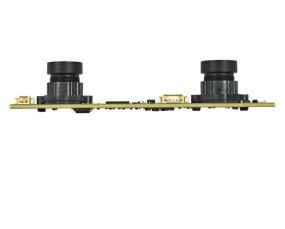
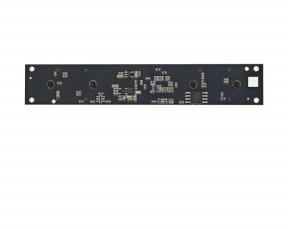
These supplied product renders show the dual-camera enclosure, adjustable mounting position, headband structure, and rear fit from complementary viewpoints.
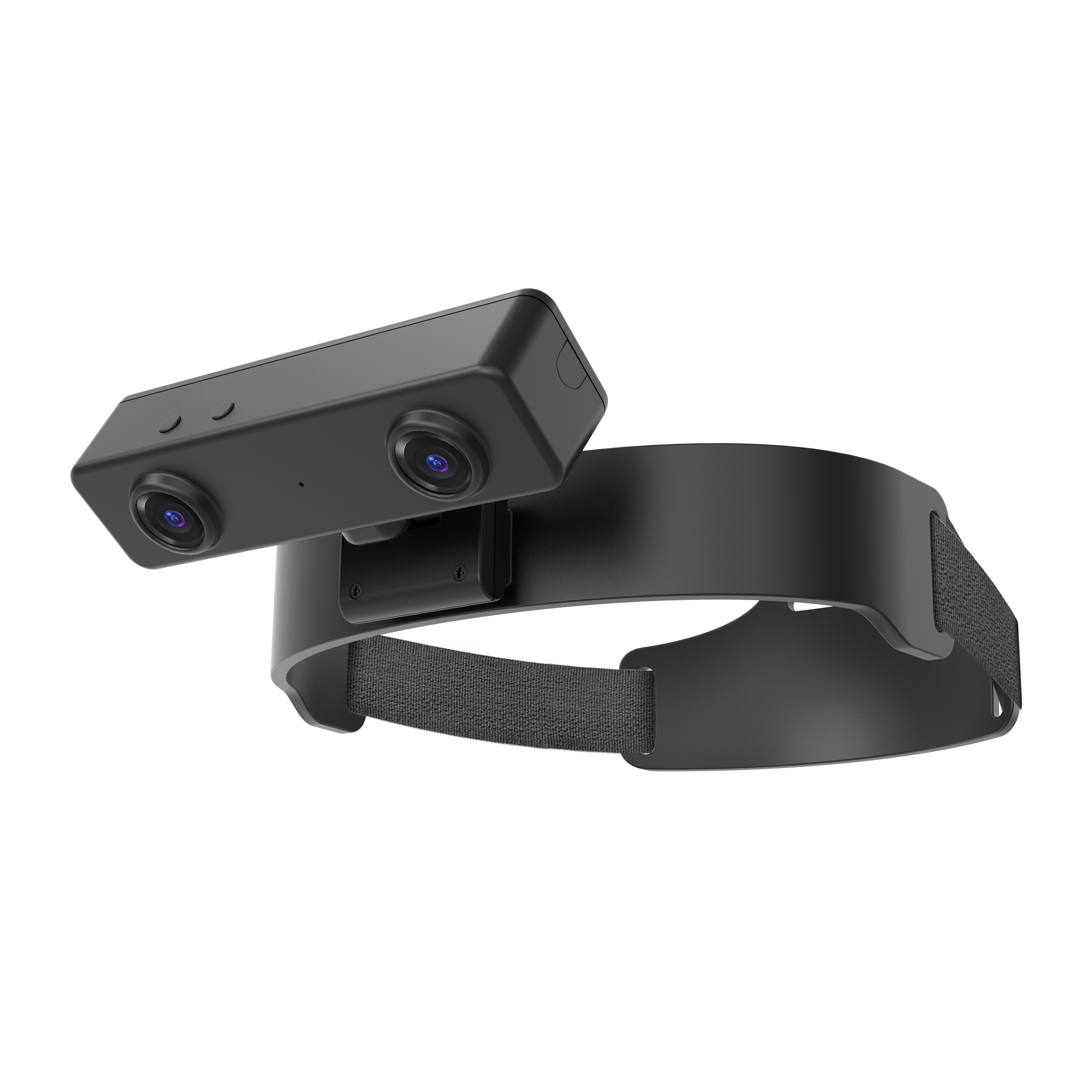
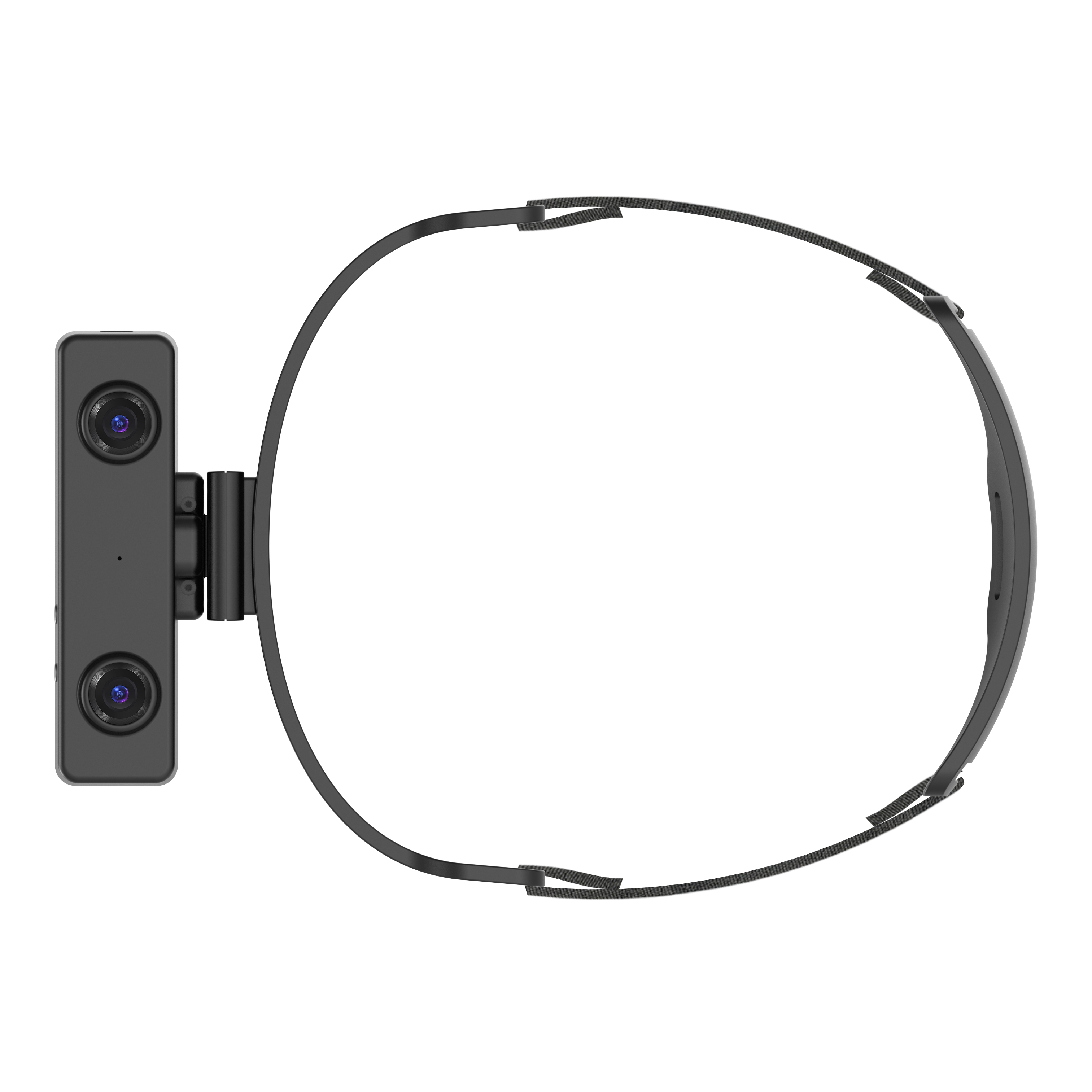
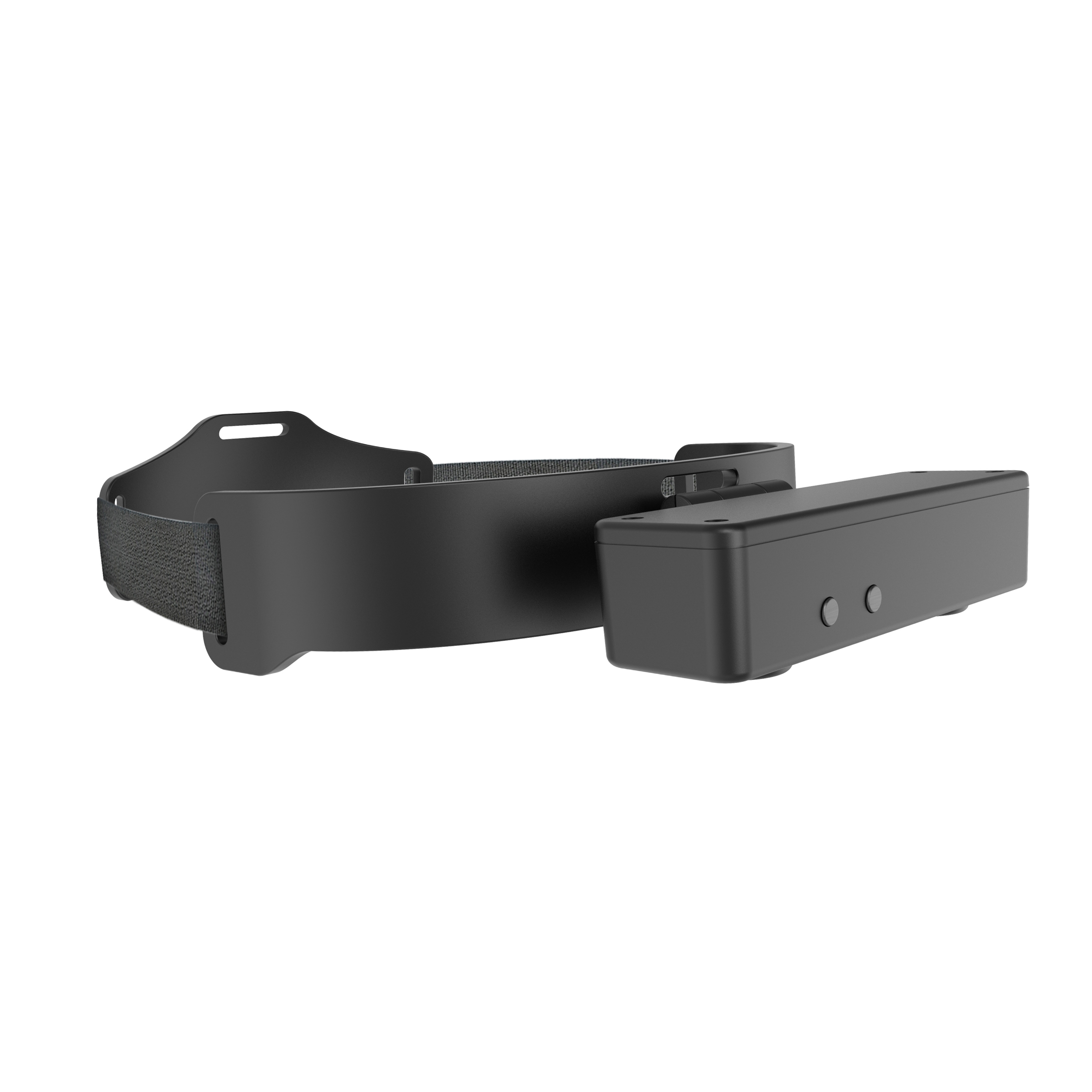
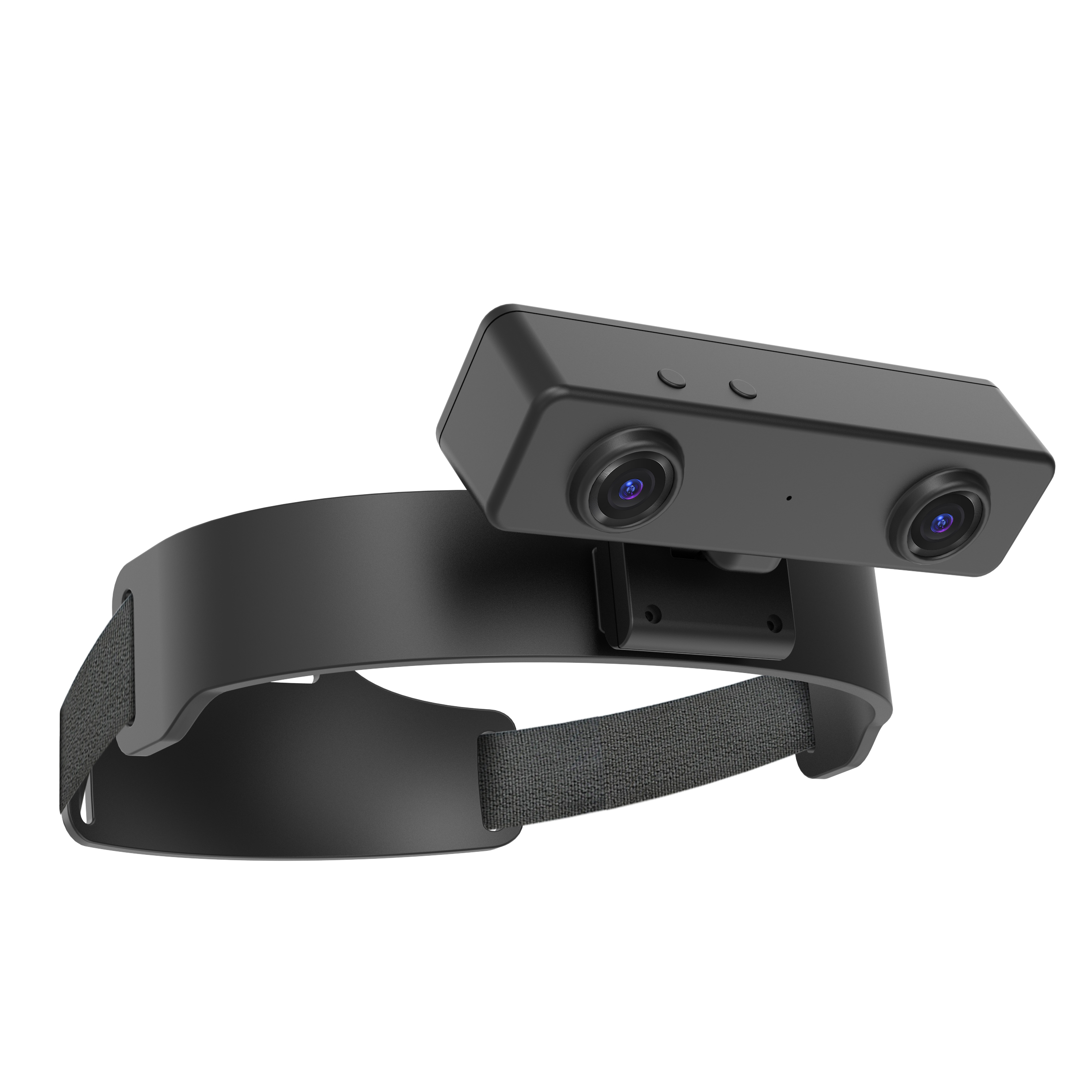
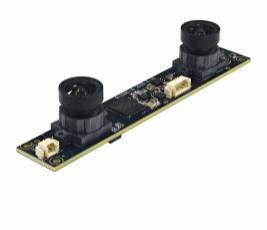
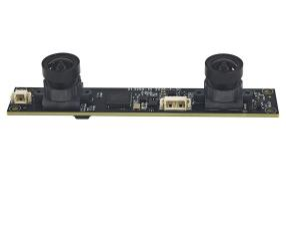
R8 stereo module
The module uses M12 × 0.5 lens mounts and the SC235HGS sensor family named in the source document. Multiple views below come directly from the uploaded specification.
R8 specification table
The document contains configuration-dependent statements and a few internal differences. Those points are identified below so the final hardware and firmware can be confirmed before ordering.
| Group | Parameter | R8 document value |
|---|---|---|
| Imaging | Camera arrangement | Dual-lens stereo, dual global-shutter sensors |
| Resolution in main table | 1600 × 1200 at 30 FPS | |
| USB maximum listed mode | MJPG 1920 × 1080 at 30 FPS; YUY2 1920 × 1080 at 15 FPS | |
| Sensor / pixel size | 1/2.6 inch / 3.0 μm × 3.0 μm | |
| Dynamic range | Linear: 61.56 dB; HDR: 91.56 dB | |
| Field of view | Diagonal 180° / horizontal 115° / vertical 80° | |
| Focus and mount | Fixed focus; M12 × 0.5 lens mount; lens TTL 15.15 ± 0.3 mm | |
| Automatic controls | Saturation, contrast, acutance, white balance, and exposure | |
| Synchronization & data | Camera synchronization | Common hardware trigger or shutter signal |
| IMU | Built-in 6-axis IMU in head and wrist units where required | |
| IMU sampling | 100 / 200 / 500 Hz | |
| Timestamp | Unified timestamp for camera frames and IMU samples | |
| Calibration and software | Intrinsics, distortion coefficients, and extrinsics where applicable; SDK/API to be provided | |
| Electrical & environment | Interface | USB 2.0 |
| Supply / current | DC 5 V / maximum 320 mA | |
| Working temperature | 0°C to +60°C | |
| Storage temperature | −20°C to +70°C | |
| Operating-system compatibility | Windows, Android, macOS, Linux, or Raspberry Pi listed | |
| Document-listed PCB size | 100 × 94 × 60 mm; confirm the applicable module or housing configuration |
Configuration note: the main table lists H.264/H.265 output, while the USB mode table lists MJPG and YUY2. The narrative also describes nanosecond-level hardware timestamp alignment. Confirm available codecs, timestamp units, measured synchronization tolerance, delivered calibration files, and SDK support on the final sample.
USB 2.0 video modes
These combinations are reproduced from the uploaded mode table. Confirm whether both cameras stream simultaneously in the selected mode and how bandwidth is allocated.
| Format | Resolution | USB 2.0 frame rate |
|---|---|---|
| MJPG | 1920 × 1080 | 30 FPS |
| MJPG | 1280 × 720 | 30 FPS |
| MJPG | 640 × 480 | 30 FPS |
| YUY2 | 1920 × 1080 | 15 FPS |
| YUY2 | 1280 × 720 | 30 FPS |
| YUY2 | 640 × 480 | 30 FPS |
R8 questions and answers
Practical answers for teams evaluating EGO R8 for stereo vision, visual-inertial research and human demonstration data collection.
Look for paired image capture, documented timing, calibration information and a suitable host interface. EGO R8 combines dual global-shutter stereo cameras, a configurable 6-axis IMU, unified timestamps and USB 2.0. Confirm the selected USB video mode and calibration deliverables for the unit you plan to use.
EGO R8 uses a common hardware trigger or shutter signal for its two image sensors and provides unified timestamps for camera frames and IMU samples. For visual inertial data collection, retain the paired image streams, inertial samples and their timing so researchers can relate wearer motion to the recorded viewpoint.
Use R8 to collect synchronized stereo images and the configured IMU data over USB 2.0. Keep the original timestamps and applicable calibration information with each recording. The research team configures its SLAM or visual-inertial odometry processing and evaluates the resulting estimates using its chosen workflow.
Global shutter exposes the pixels in each R8 image sensor together, while the common hardware trigger coordinates the two cameras. This gives a stereo vision camera for robotics research a paired visual record of head turns and hand-object movements during a demonstration.
The R8 specification lists selectable 100, 200 and 500 Hz sampling for the 6-axis IMU. Record the rate used for each session and preserve the unified timestamps with the camera frames and inertial samples.
R8 calibration support covers unit-specific camera intrinsics, distortion coefficients and stereo extrinsics where applicable. Keep the supplied calibration information associated with the R8 unit and selected capture profile when preparing stereo visual-inertial recordings for analysis.
Connect the R8 capture setup through USB 2.0 with the specified 5 V supply, select the video profile and IMU rate, and review a short demonstration for useful framing. Preserve complete episodes with paired images, inertial samples, timestamps and applicable calibration records. Researchers then add task descriptions and time-linked annotations for their robot-learning study.
For Vision-Language-Action research, R8 contributes first-person stereo video and associated wearer-motion data. The research team adds task descriptions and the action supervision required by its learning setup, then curates the demonstrations for model training and evaluation. Keep those researcher-prepared labels linked to the original R8 recordings.
Product details: R8 manufacturer specification. For a session workflow, read Stereo Camera with IMU: R8 Session Design.
R8 application blogs
Documented reliability programme
The source document lists qualification tests for storage and operation temperature, humidity, thermal shock, drop, vibration, cable tensile load, ESD, power cycling, and USB connector cycling. These are test descriptions, not an IP rating or a guarantee for every use environment.
Storage at +60°C and −20°C for 96 hours; operation tests at +60°C and −20°C for 24 hours; humidity at 60°C and 80% for 24 hours.
60 cm packaged and unpackaged drop tests, 50 Hz vibration on X/Y/Z axes, and a 4 kg cable tensile load for 60 seconds.
2 kV contact ESD, 4 kV air ESD, 30-second on/off cycling for 24 hours, and 250 USB connector cycles.
The main specification table lists the working range as 0°C to +60°C even though the reliability section includes a −20°C operation test. Use 0°C to +60°C as the published working range until the supplier confirms otherwise.
R8 configuration check
Send the required resolution, codec, frame rate, dual-stream behavior, IMU rate, calibration deliverables, operating system, cable length, quantity, and delivery country.